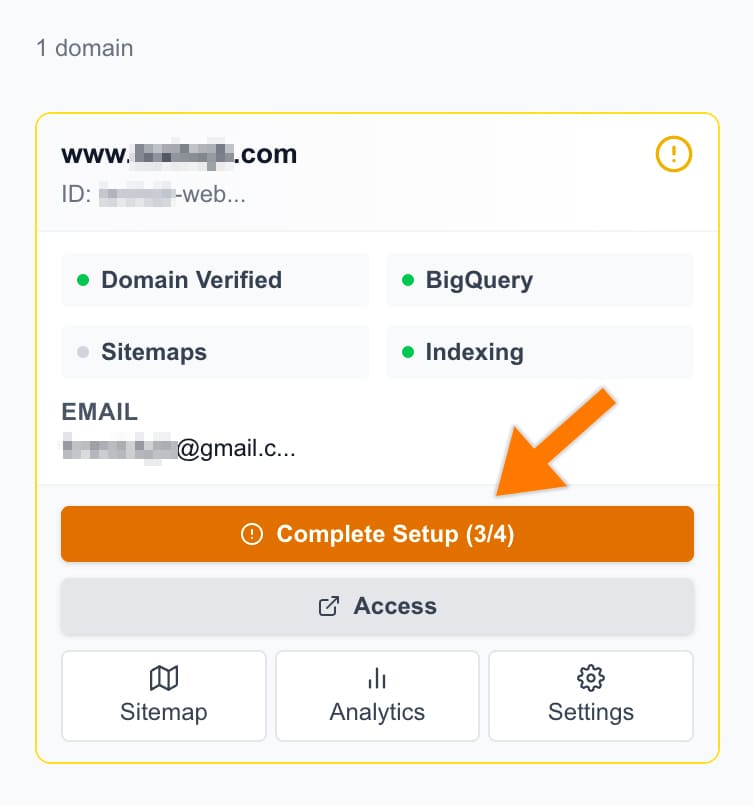
In SEOIE Dashboard, Click ‘Complete Setup’.
Click ‘Connect GSC’.

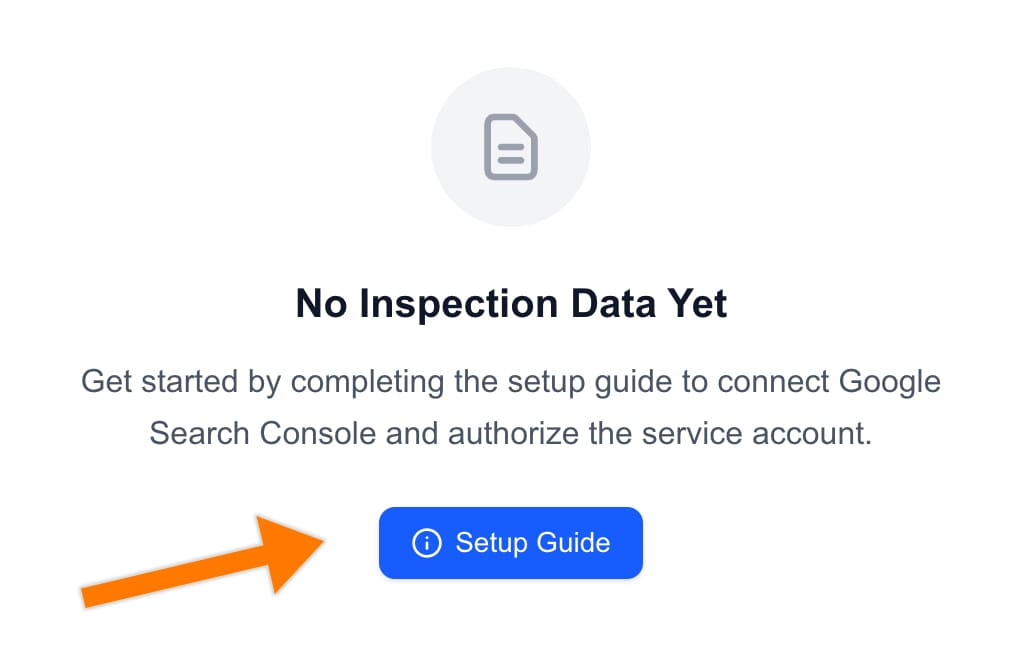
It will jump to the page below. Then, click the ‘Setup Guide’ button.
Then, follow Steps 1 through 7 to connect your Google Search Console (GSC) data source to the SEOIE App.
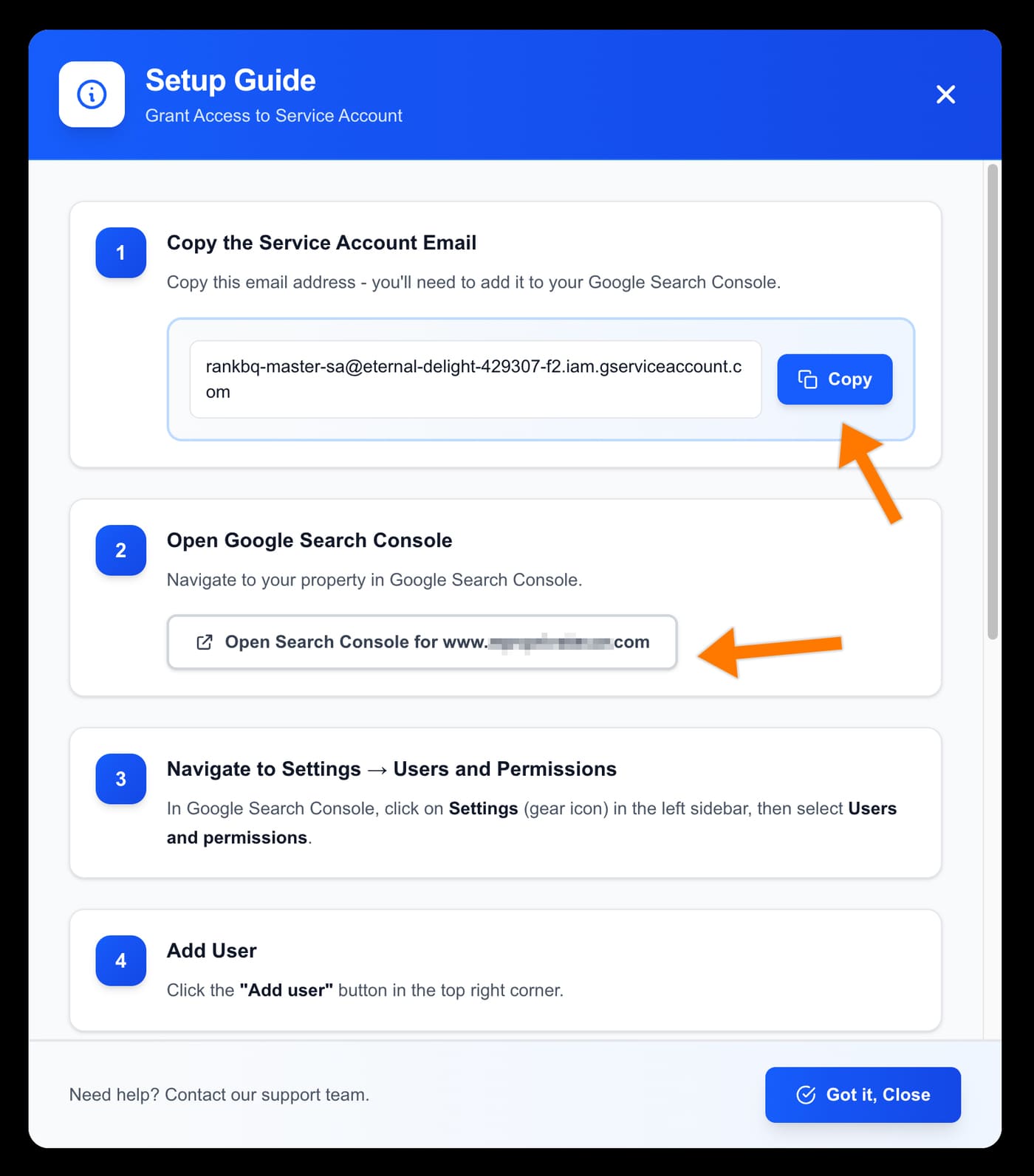
After done add user to GSC, then click ‘Got it, close’.

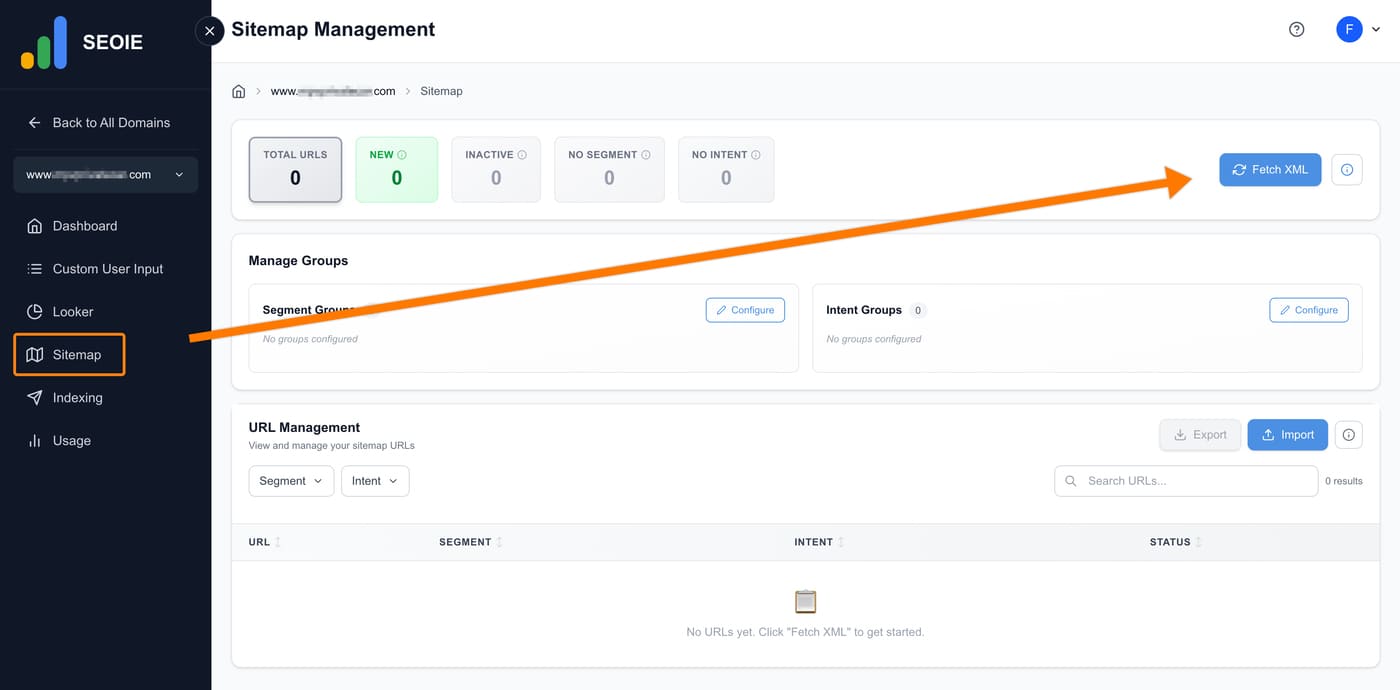
Select ‘Sitemap’ in the menu and then click ‘Fetch XML’.
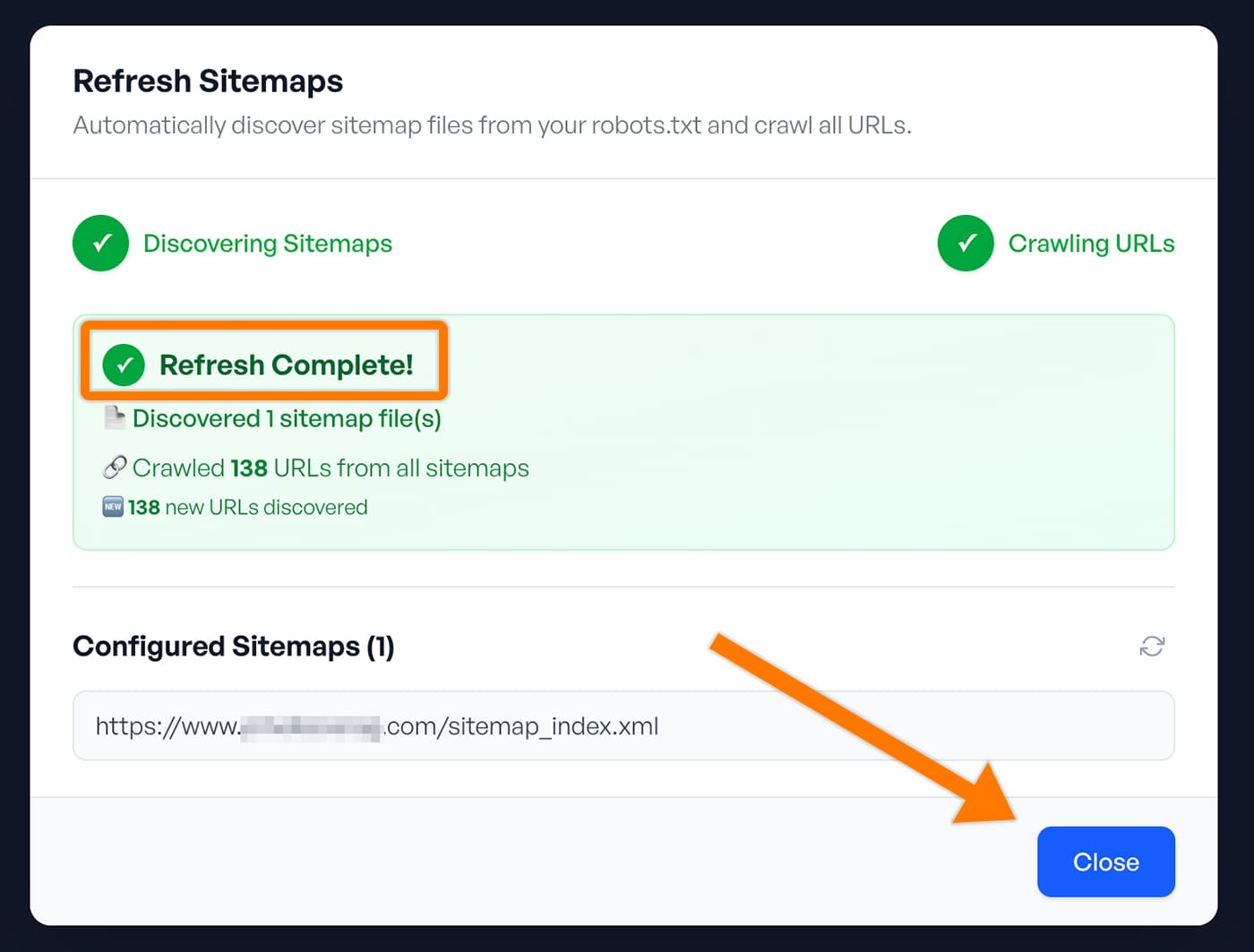
Wait for the ‘Refresh Complete’ message to appear, then click ‘Close’.