Identify question queries and analyze how your Questions content performs
Problem:
Standard GSC provides a massive list of keywords, but it doesn’t automatically isolate the specific questions your users are asking. While you can manually filter for “how,” you have to do this over and over for every question word (what, where, why, etc.), which makes it nearly impossible to see your total informational traffic at once.
Consequences:
You miss out on seeing the exact pain points and curiosities of your audience. Without a way to group these question-based terms, you can’t tell if your helpful articles or FAQ pages are actually answering their needs or if you are losing traffic because you haven’t addressed a common question across all categories.
Solution:
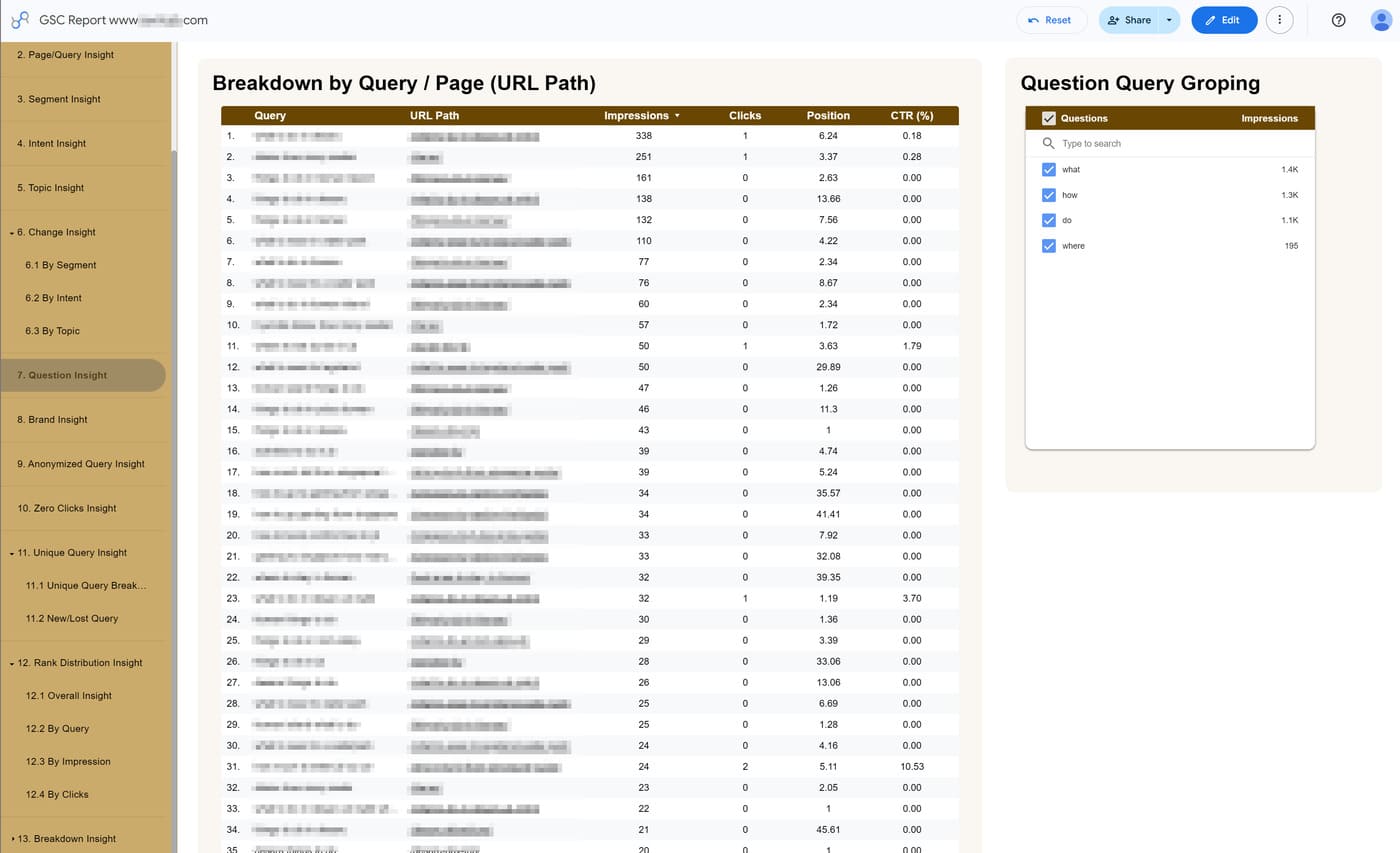
The Question Insight report uses the custom query rules you define in SEOIE. By using the default question triggers (How, What, Where, Can, When, Do, Why, Who, Are) or adding your own, the report automatically groups these question queries into a single, clean view. This allows you to:
- Instantly see if users are finding your site by asking specific questions. This helps you measure the real-world impact of your informational articles and FAQ sections.
- Track the exact phrases people use to find your services (e.g., “what to wear” or “how to go”), giving you clear data for your next content update.
- View impressions, clicks, position, and CTR for every question-based query in one table, eliminating the need for manual sorting.
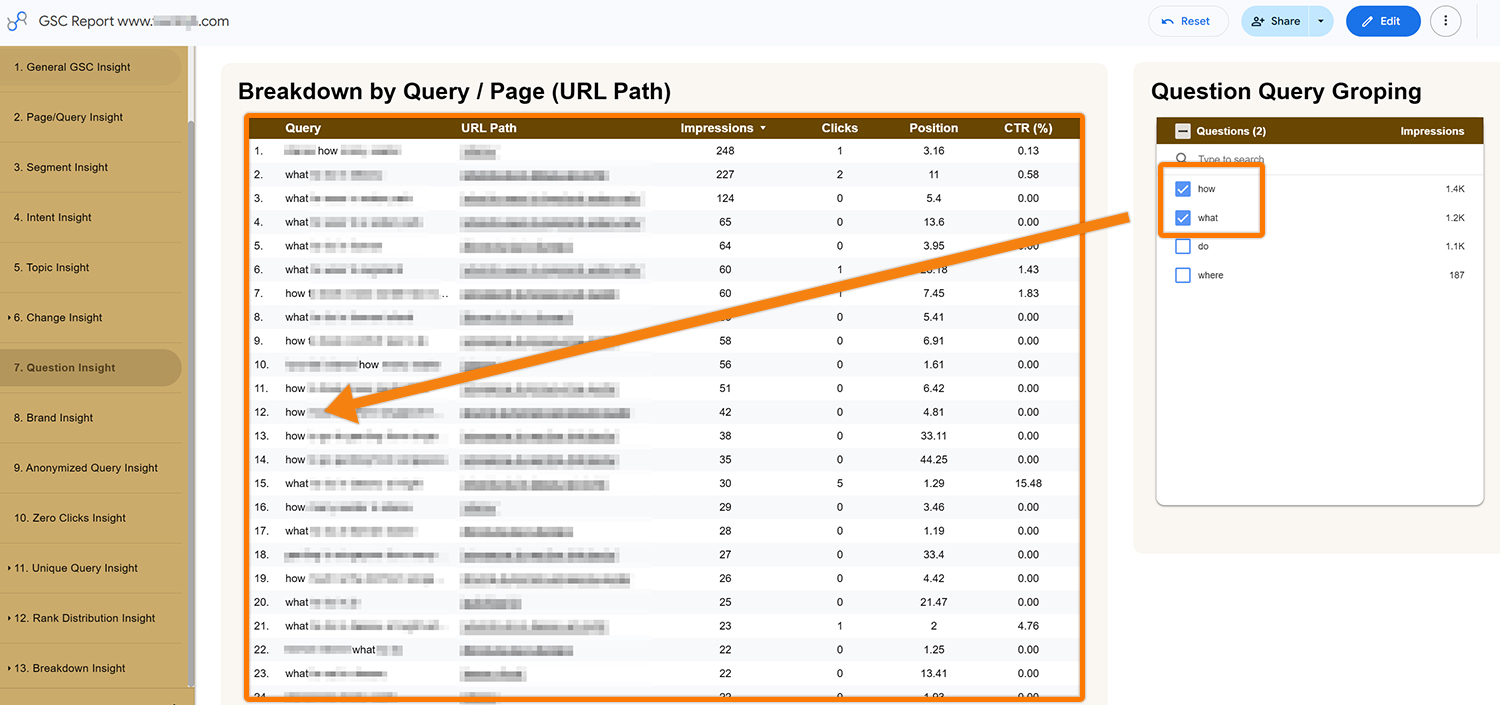
Note: Best practice is not to rely solely on generic terms like “how,” “where,” or “why.” Instead, make your queries more specific and descriptive, such as “how to go to…” or “where to find…,” as these types of queries better address user pain points.